
The app
The till, toolkit and ledger for a water point.
A free Android app for the people who run Maji dispensers. Resellers use it to top up WaterCards, engineers to set up dispensers, and managers to see what every tap has sold. Card top-ups work with no signal at all.
v1.36 · Android 7.0+ · NFC required · ≈35 MB · free
Who uses it
Three jobs, one app.
Resellers
Sell water credit to customers, from a float the manager approves.
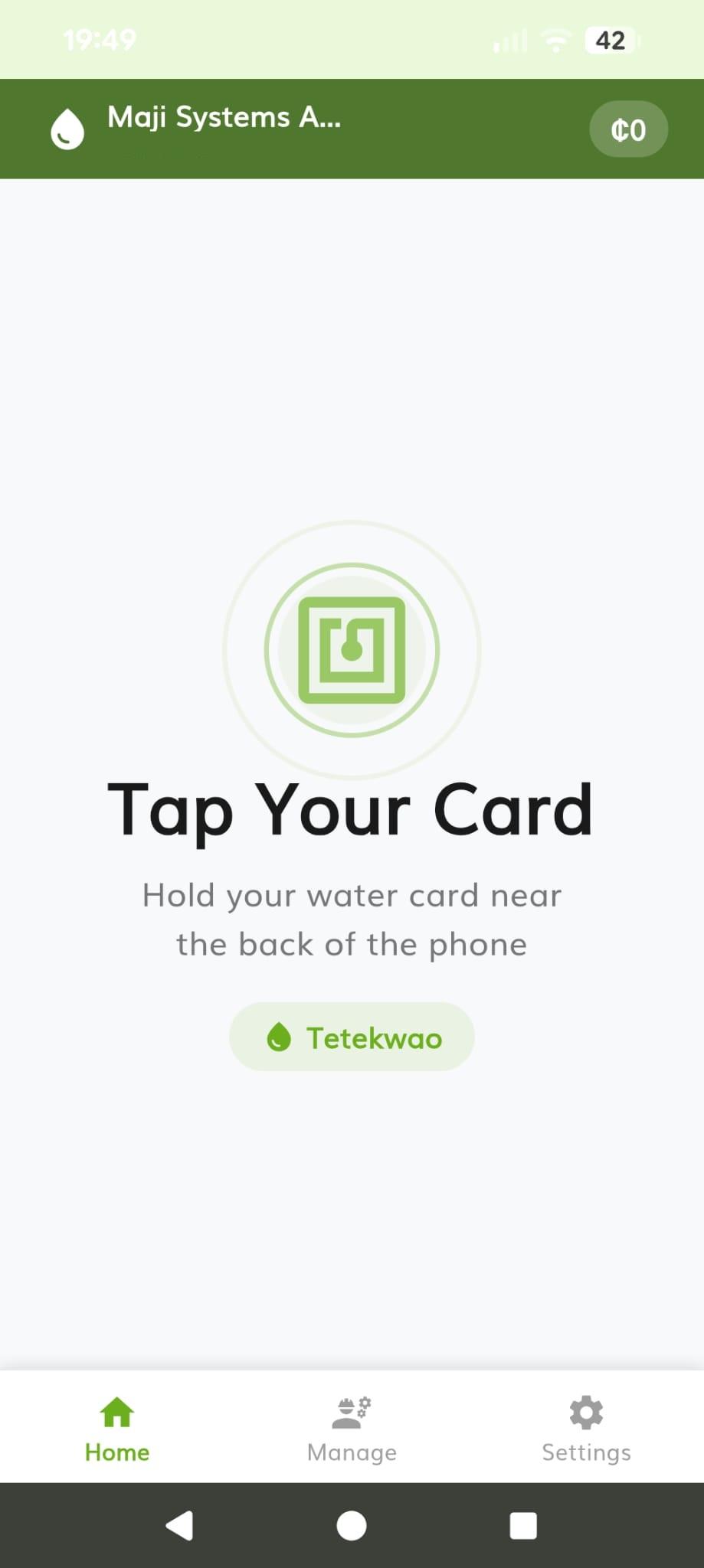
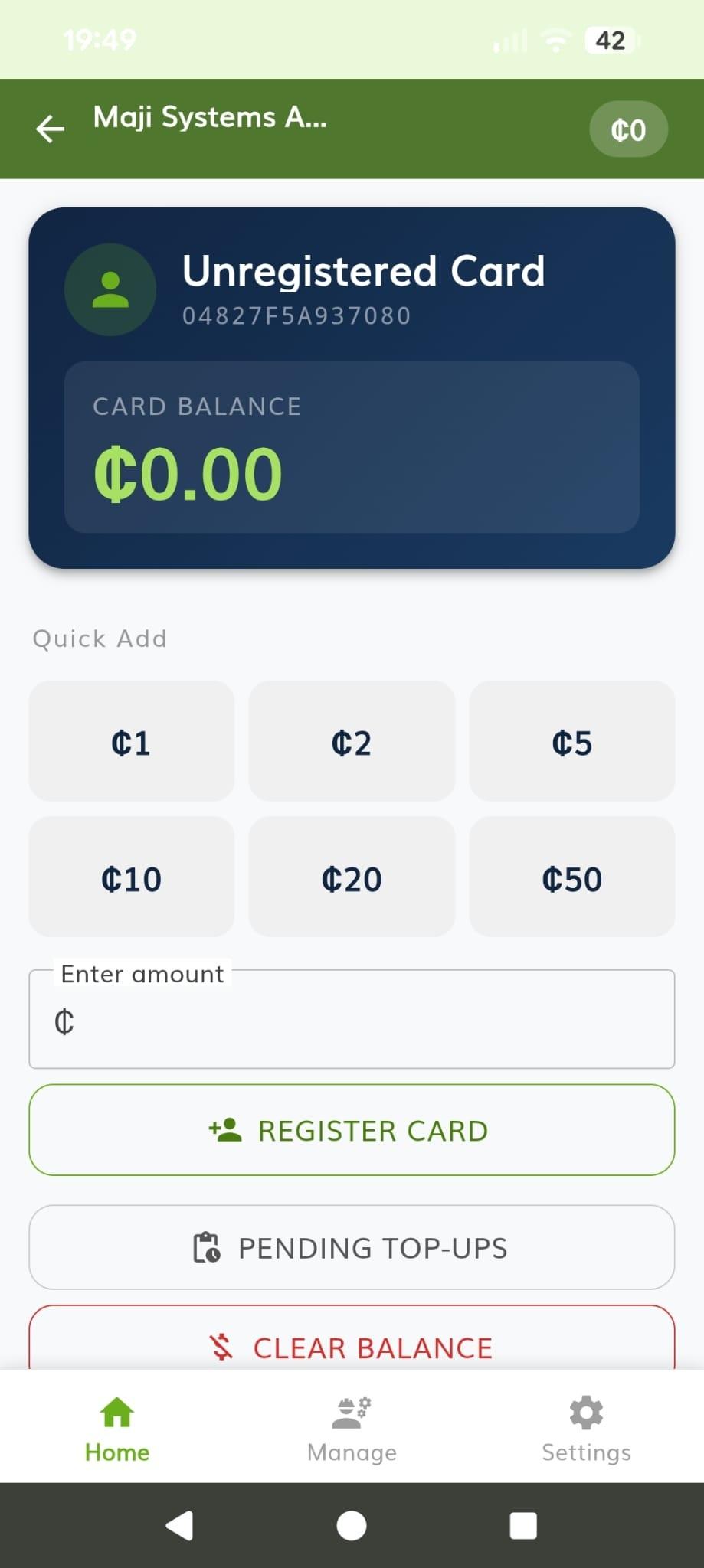
- Tap a WaterCard to see its balance and the registered customer
- Top up a card for cash against your own float, with or without signal
- Request more float, and track whether it has been approved
- Refund a pending top-up that hasn’t reached a dispenser yet
Engineers
Commission and configure dispensers on site, without a laptop.
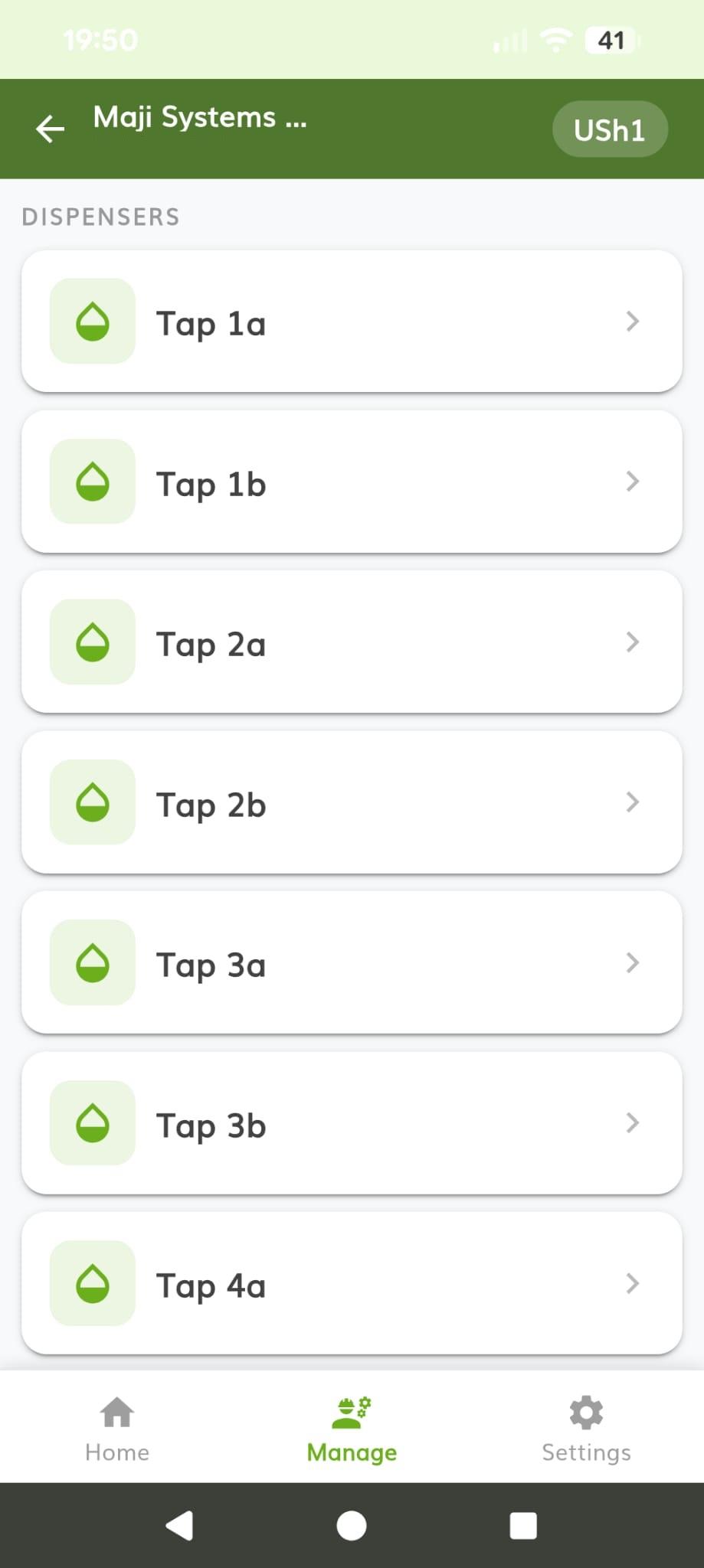
- Add a dispenser by scanning its QR code or typing its device ID
- Write pricing, calibration and power settings to an Engineer Card
- Tap the Engineer Card on the dispenser to apply them
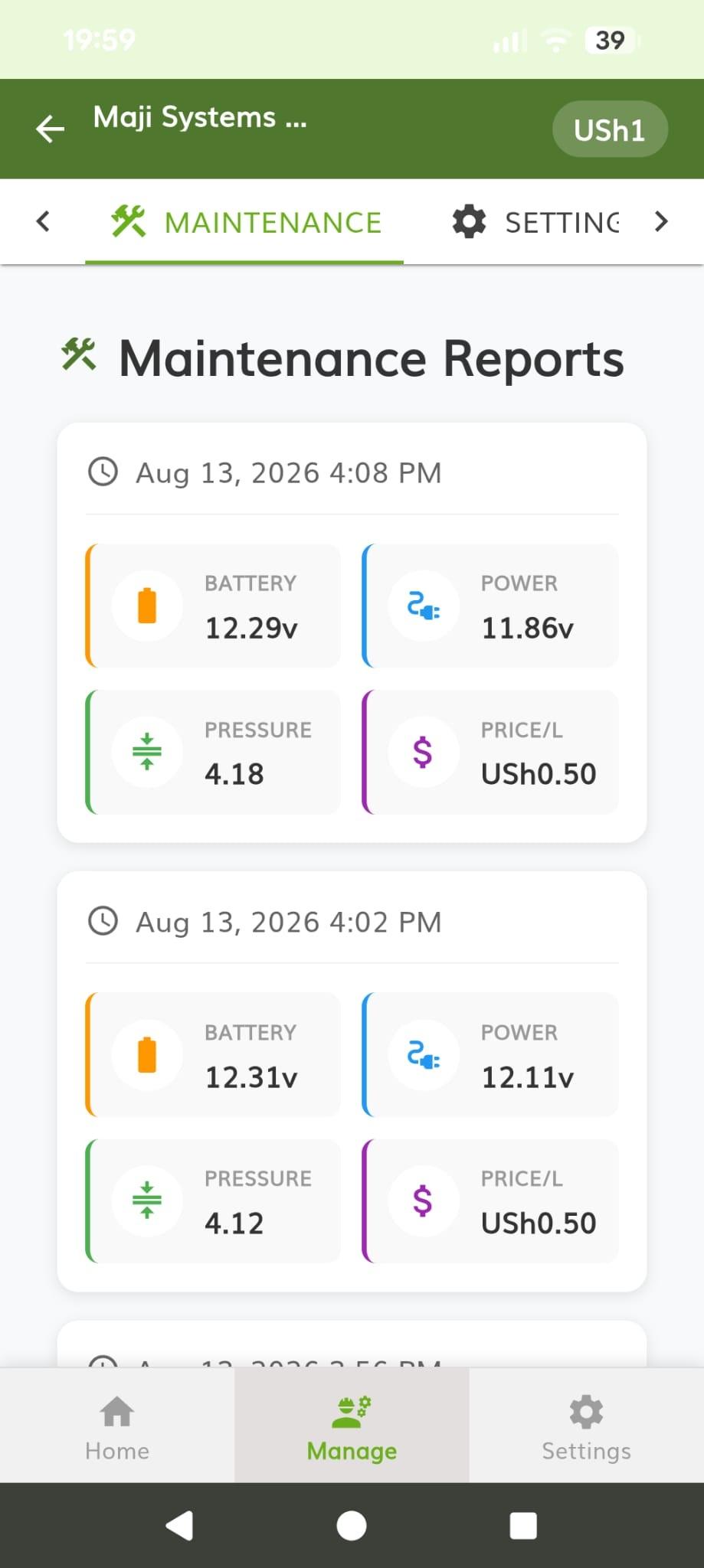
- Read back live status: battery and solar voltage, price per litre
Managers
Run a community: its dispensers, its team and its money.
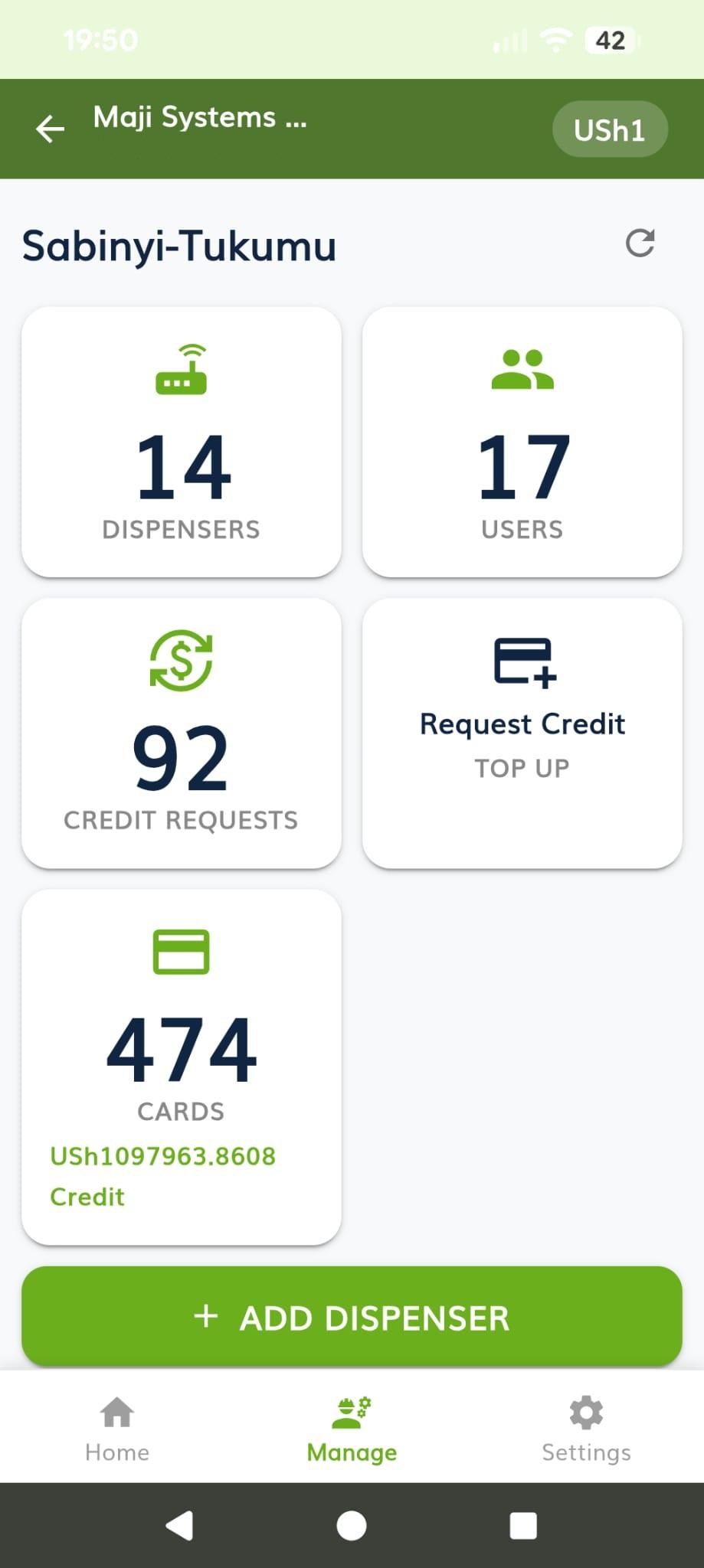
- See dispensers, members, credit requests and card sales at a glance
- Approve or decline resellers’ requests for float
- Invite people by mobile number and set their role
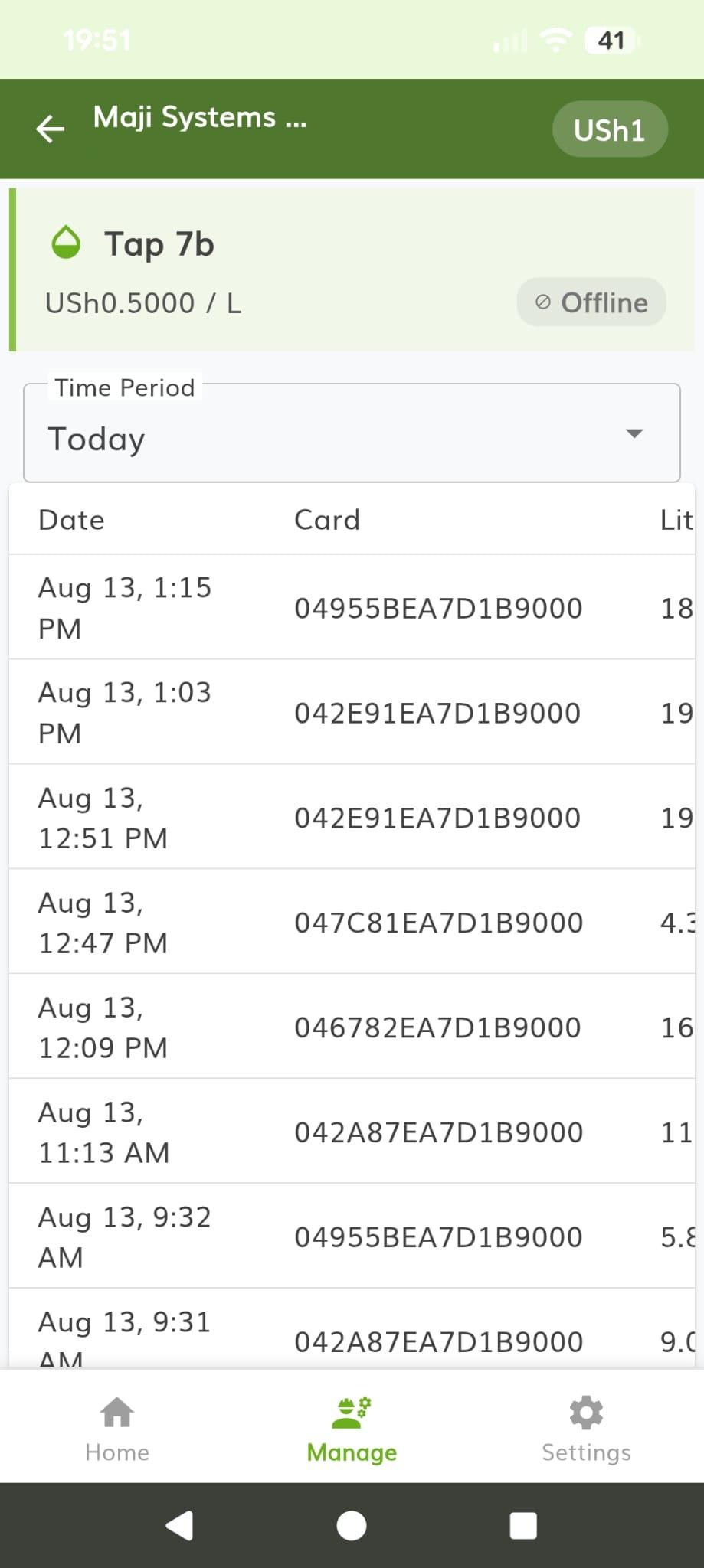
- Review each dispenser’s sales and maintenance reports
- Get a warning when the price on a dispenser no longer matches the price on record
Screenshots
Inside the app.
For engineers
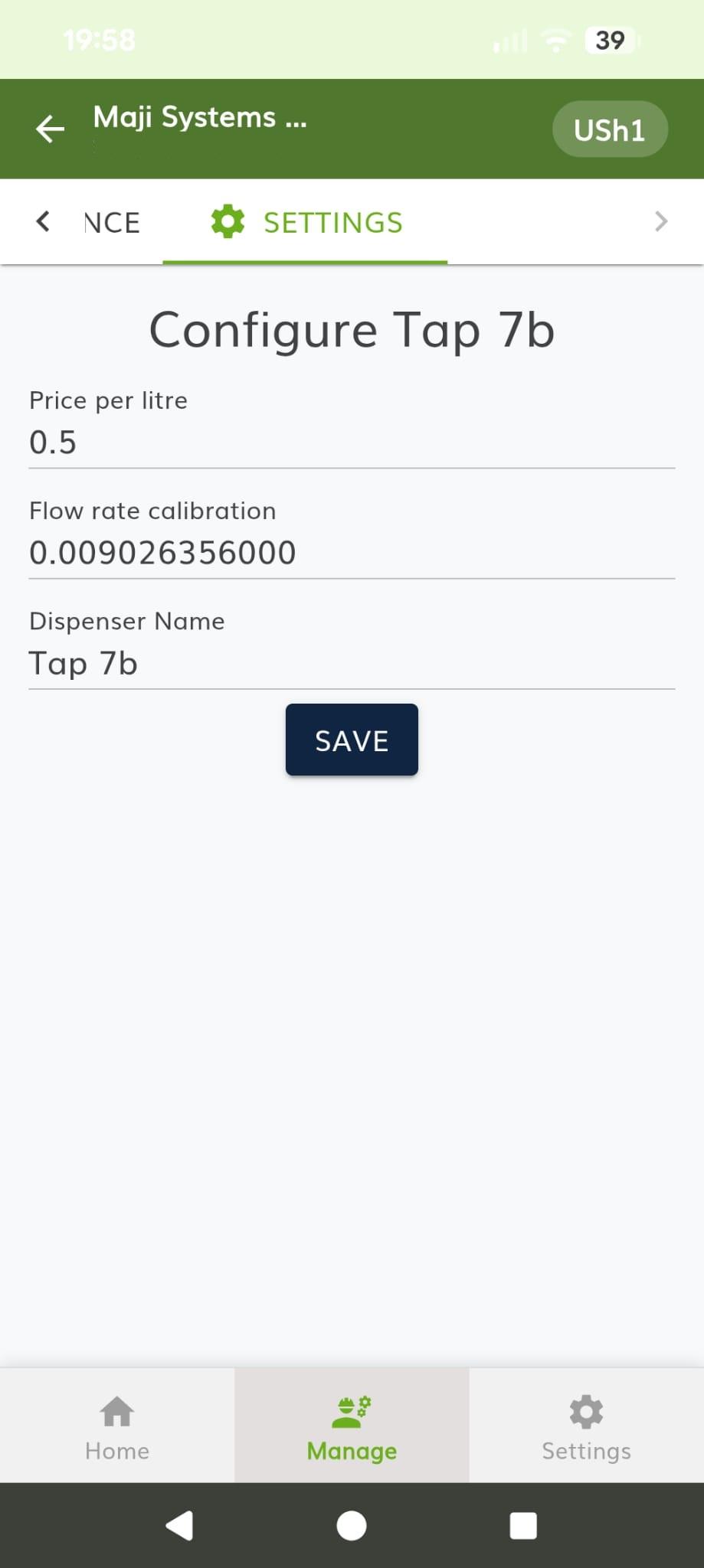
A dispenser’s settings, carried on a card.
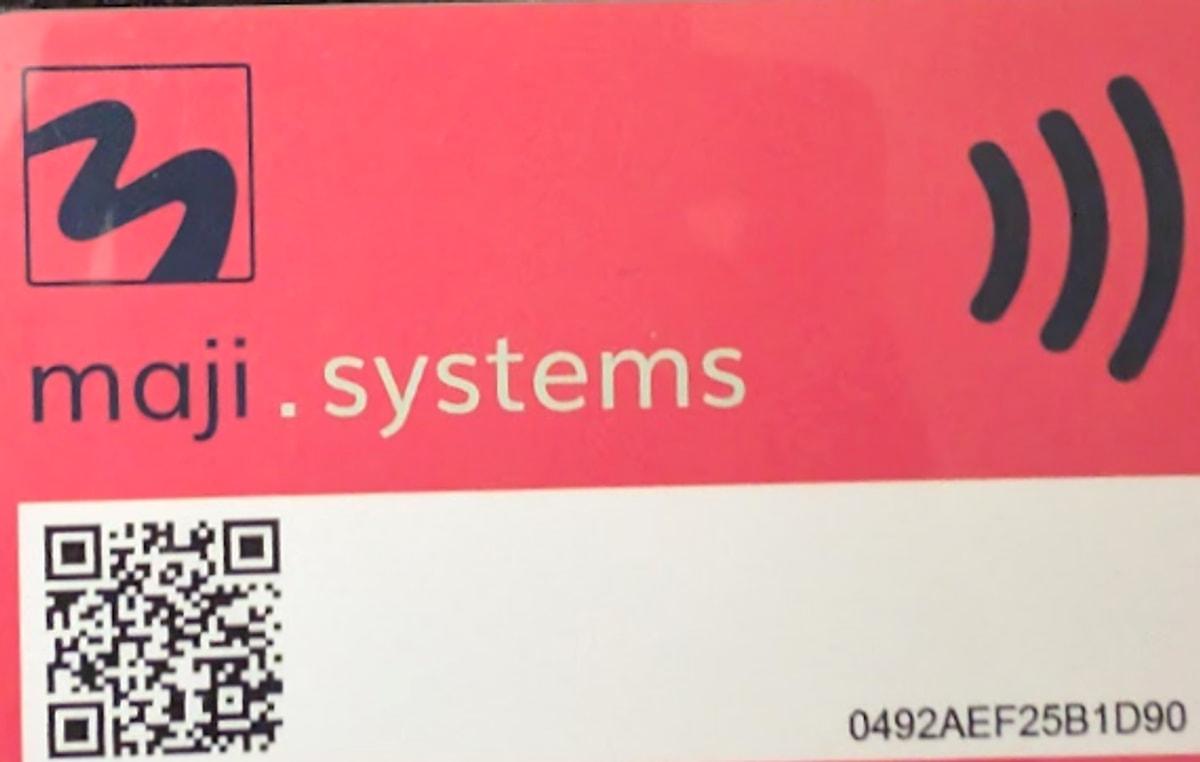
Dispensers are configured with the red Engineer Card rather than over the air, so a technician at a water point with no signal can still change what needs changing. The app writes the settings onto the card, and one tap applies them to the unit and reads its status back.
- Pricing
- Price per litre
- Currency symbol, from a built-in list
- Calibration
- Flow meter calibration
- Pressure calibration and offset
- Power
- Card reader poll rate
- Board sleep and wake times
- Modem sleep interval
- Data
- Modem mode: always on, power saving or off
- Manual APN name, username and password
- Advanced
- Settings version
- Safe mode
- Maintenance screen change interval
Download
Installing the app.
- 1
Download the APK
Open this page on the Android phone you want to use and tap the download button. Chrome will warn that this type of file can harm your device. It shows that warning for every app downloaded outside the Play Store. Choose to keep the file.
- 2
Allow installs from your browser
Open the downloaded file. Android will ask whether to allow installs from the app you opened it with, usually Chrome or Files. Allow it, go back, and install.
- 3
Log in with your mobile number
Open the app and enter your mobile number. A code arrives by SMS, so there is no password to remember. If nobody has invited you to a community yet, ask your manager to add you.
- 4
Let it update itself
Once installed, the app checks for new versions and updates in place. You only need this page again for a new phone.

Maji Systems App
v1.36 · ≈35 MB
Downloads from releases.maji.systems. Open this page on the phone you’re installing on.
Requirements
- Operating system
- Android 7.0 or newer (API 24+)
- NFC
- Required. The phone reads and writes WaterCards directly
- Camera
- Used to scan a dispenser’s QR code when commissioning it
- Connectivity
- Needed to log in and to sync. Card top-ups work offline
- Download size
- ≈35 MB APK
- Distribution
- Direct APK download, not on Google Play
- Package name
- com.majisystems.majiapp
- Price
- Free for Maji Systems operators and their teams
Is the app on the Google Play Store?
No. It is a direct download from this page, which is why the first install needs the extra permission described above. After that the app keeps itself up to date without a store.
Does it work without a mobile network?
Mostly. Reading a card and topping it up work fully offline, because the balance is written onto the card itself. Logging in and syncing need a connection, so the app stores activity on the phone and sends it when there is signal again.
Do I need an NFC phone?
Yes. The app reads and writes MIFARE DESFire cards over NFC, so a phone without NFC can’t read a WaterCard or an Engineer Card. Most Android phones sold in the last several years have it.
What is an Engineer Card, and who gets one?
A red card for technicians, never given to customers. The app writes dispenser settings onto it (price per litre, calibration, power saving, modem configuration), and tapping it on a dispenser applies them and reads live status back.
How do resellers get credit to sell?
A reseller requests a float in the app, and a manager in the same community approves or declines it. Approved credit is added to the reseller’s balance, which goes down as they top up customers’ cards. Both sides can see the request history.
Can I use one phone for more than one community?
Yes. If your account belongs to several communities, you choose which one you’re working in, and the balances, dispensers and team you see follow that choice.
How do I log in?
With your mobile number. The app sends a one-time code by SMS, so there is no password to forget or write down. A manager has to invite your number to a community first.
Something has gone wrong. How do I report it?
Use the Report a Problem screen in the app. Describe what happened and it sends us the app logs and local database. It tells you how much mobile data that will use before it sends anything.
The app is half of it.
The other half is the dispenser at the water point: solar powered, works offline, and reads the same WaterCards.
- sales@maji.systems
- Phone
- +44 20 3633 1124